
If you are working out how to start an online yoga business, you have probably read guides from Marvelous, MemberSpace, Exercise.com and Odys. They rank first on Google, and each one is written by a company that sells the platform, software or service at the end of it. They are useful on niche, pricing and video gear. They say very little about how students will find you in the first place.
That gap matters more online than in a studio. A studio has a door on a street. An online yoga teacher has no street, no sign and, as we explain below, no Google Maps listing. Everything a new student learns about you before she pays comes from Instagram, word of mouth and your website.
This guide is for yoga teachers moving their classes online, either alongside studio work or as the whole business. It follows the five steps we use when we build websites for yoga teachers.
The short answer: to start an online yoga business, decide who your classes are for, choose one first offer and price it, pick a platform for video and payments, build your own website that explains the offer and takes bookings, and make that website easy for Google to find. Your website matters most, because an online-only business cannot have a Google Business Profile.
1. Decide who your online classes are for
Online, you compete with every yoga video on the internet, many of them free. What makes a stranger pay you is the feeling that your classes were made for someone like her. Marvelous puts it as one sentence, "I help [specific person]", and we agree.
Write yours before anything else. "Gentle yoga for women over 50 with stiff backs." "Morning yoga for nurses after night shifts." "Prenatal yoga for first-time moms." That sentence becomes your homepage headline, your Instagram bio and your class descriptions. If it fits a whole room of different people, it is still too broad.
2. Choose one first offer and give it a price
Most guides list every option at once: live classes, on-demand libraries, memberships, courses, private sessions, retreats. Pick one to launch with. A teacher who sells one clear thing fills it faster than a teacher who sells six things a little.
For prices, the platforms themselves give useful starting points. MemberSpace's guide on how to teach yoga online lists $5 to $20 for a single class, about $50 for a pack of ten and $40 a month for unlimited classes. Marvelous suggests $25 to $49 a month for a membership and $97 to $197 for a four-week course. Choose the format that matches your sentence from step one, then choose a price inside those ranges.
3. Pick a platform for video and payments
You need a place to stream or host classes, take payments and give students access. Marvelous, MemberSpace and similar tools do this, and both of those let you try them before paying. Enter your real first offer in two of them before you decide, the same way you would test booking software for a studio.
Use the platform for what it is good at: video, logins, payments and reminders. Do not let it be your whole online presence. Platform pages all look alike, they rarely rank on Google for your name or your style, and if you change platforms in two years, every link you shared breaks. Your own website, on your own address, stays yours.
4. Build a website that turns a visitor into a student
Your website is the place you send everyone: Instagram, your email signature, a podcast interview, a studio owner who recommends you. In one scroll it should answer what a new student asks before she pays:
- Who it is for, using your sentence from step one, in the headline.
- What a class feels like, with a short video or a few photos of you teaching.
- Your schedule, with the time zone written next to it.
- Your first offer and its price, with one button that opens your platform's checkout.
- About you, with your training, like an RYT-200, and why you teach this group.
- An email signup, with a free short class as the gift, so visitors who are not ready yet stay in touch.
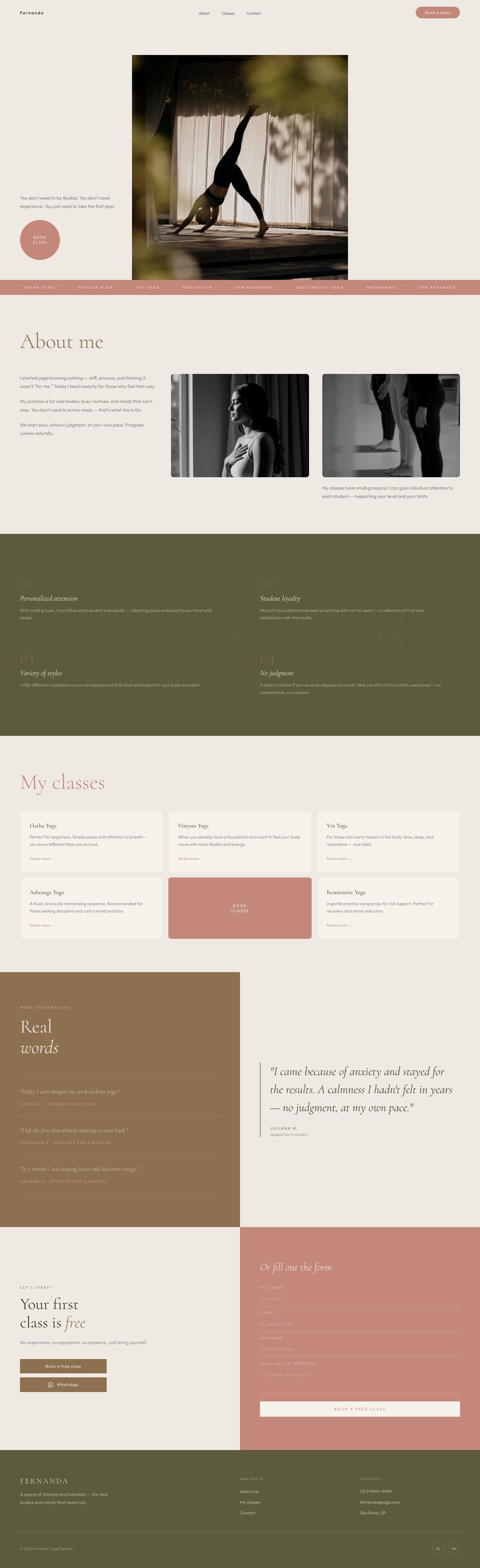
A new online yoga business does not need a big site. Our One-Page Web Design holds all of this on one page designed around your teaching, with basic search setup included. If you want to start this week, Website in a Day builds it from one of our templates. Good web design for yoga teachers comes down to one test: a stranger understands who you teach and how to start in under a minute.
On Instagram you are one post in a feed. On your website, you are the only teacher on the page.
5. Get found on Google without a studio address
Here is the point most guides miss. Google's eligibility guidelines for Business Profiles list "online-only businesses" among the ineligible businesses and say a business "must make in-person contact with customers during its stated hours." If you only teach online, you cannot use the Maps listing that local studios rely on. If you also teach in person regularly, in a rented room or at clients' homes, that in-person work can qualify.
For the online part, your website does the job alone. Give each page a clear title with what you teach and who it is for, like "Online prenatal yoga classes," because that is what people type. Then add articles that answer the questions your students ask, such as what to expect in a first online class or how to set up a corner of your home for practice. Articles bring visitors from Google over time, as long as new ones keep coming. If you would rather teach than write, join the waitlist for Rooted SEO, opening soon, which writes and publishes them on your site for you.
What it costs with Delas
If you would like help with the website step, these are our prices. Every site works well on phones, includes basic search setup and stays in your name.
- Website in a Day: one page from one of our templates, live in a day, $497 with our launch offer until December 31, 2026 (regularly $697).
- One-Page Web Design: one page designed from scratch around your online classes, $997 with the launch offer (regularly $1,297).
- Multi-Page Web Design: separate pages for live classes, your library, courses and privates, $1,697 with the launch offer (regularly $1,897).
- Visual Identity: logo, colors and fonts for your yoga brand, $697 with the launch offer (regularly $897).
What to add once your first students are in
When you start a yoga business online, a few things work better after launch:
- Reviews. After a student's first month, ask how the classes feel for her. When someone writes something kind on her own, quote it on your website with her OK, signed with a first name, like "Mariana." Online, where nobody can visit your room, those words do a lot of work.
- Paid ads. Ads work best once your website explains clearly who your classes are for and your first offer is easy to buy. When you are ready, our Meta Ads service, opening soon, runs them for you.
- A second offer. Once one format is full, turn your best live recordings into a library or a short course.
If you also teach in studios, our guide to yoga teacher marketing shows how to bring those students with you. And if you would like us to look at your plan, contact us.
Questions about starting an online yoga business
Live classes first. Two or three a week give you students to talk to, feedback on what they want and recordings you can turn into a library later, once you know which classes people come back for.
Between $25 and $49 a month is the range Marvelous suggests in its 2026 guide, with short courses at $97 to $197. Start at the lower end while your library is small and raise the price as it grows.
Your own, written with a city name, like "7 am New York time." Then let your booking tool show each student the time in her zone, so nobody joins an hour late.
29 members at $35 a month, before platform fees. Pick your price first, then divide your monthly goal by it, and you have the number your marketing has to reach.
A website that turns your online classes into a real business.
Website in a Day, from $497 (launch offer until Dec 31, then $697).
See the options